
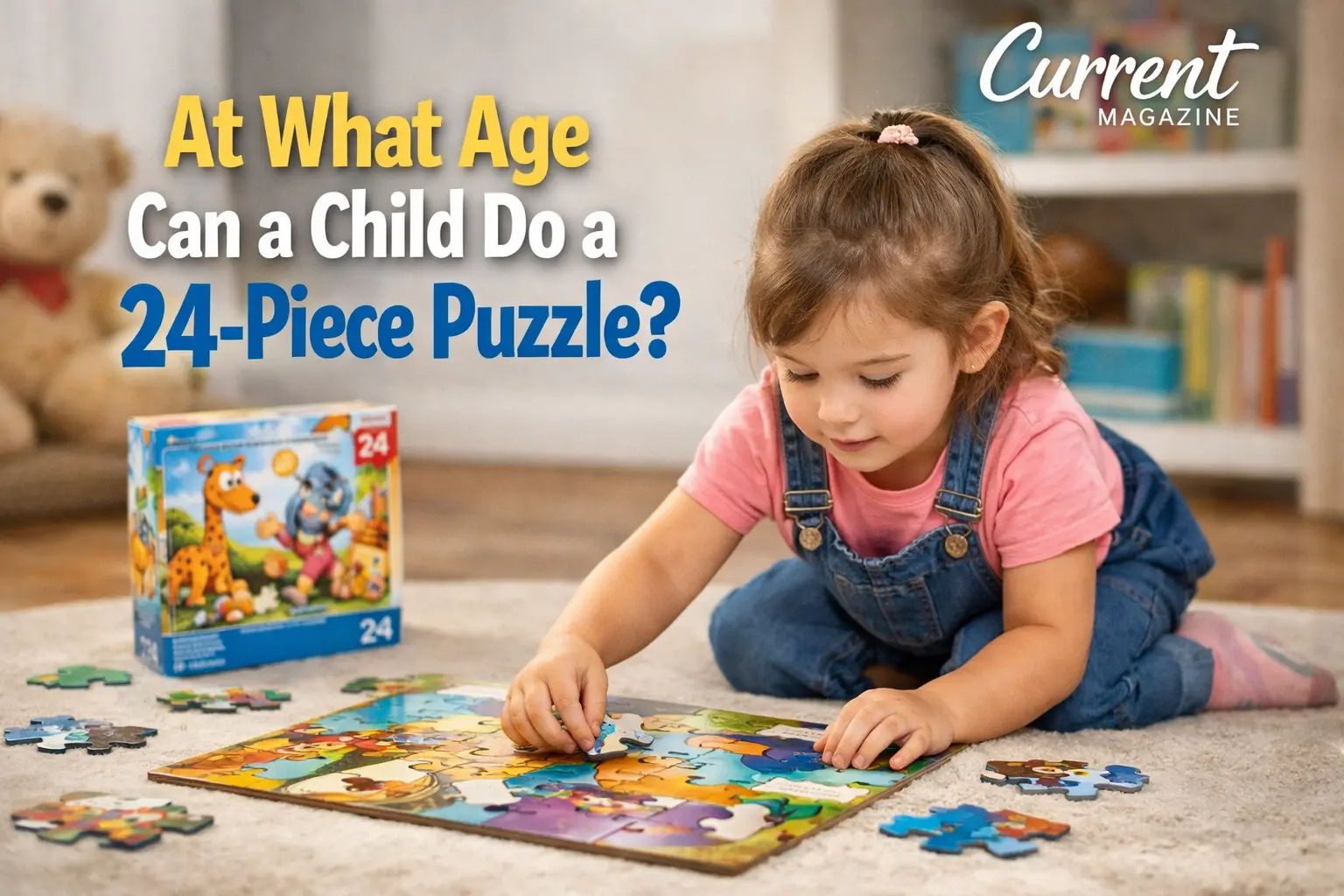
What Age Can a Child Do a 24 Piece Puzzle? This is a common question parents ask as they watch their little ones develop problem-solving skills. Most children can successfully complete a 24 piece puzzle between ages 3 to 5 years old, with many four-year-olds mastering this milestone. However, every child develops at their own pace, and factors like prior puzzle experience, interest level, and fine motor skills all play important roles in puzzle completion abilities.
Understanding Puzzle Development in Young Children
Puzzles are more than just toys. They’re powerful learning tools that help children develop critical thinking, hand-eye coordination, and patience. As parents, understanding when your child is ready for different puzzle complexities helps you provide the right challenges at the right time.
The Typical Progression of Puzzle Skills
Children typically follow a natural progression when it comes to puzzle-solving abilities. Here’s what you can generally expect:
Ages 1-2 years: Most toddlers start with simple peg puzzles or chunky pieces with knobs. These usually have 2-4 large pieces that fit into specific spaces. At this stage, children are learning basic concepts like shapes fitting into holes and developing the motor skills to grasp and place pieces.
Ages 2-3 years: Children move on to simple jigsaw puzzles with 4-8 large pieces. These pieces are still chunky and easy to handle. Kids at this age begin understanding how pieces connect and start recognizing picture matching.
Ages 3-4 years: This is when many children become ready for puzzles with 12-20 pieces. They’re developing better spatial awareness and can start to see how smaller sections form a complete picture. Some advanced three-year-olds may even attempt 24 piece puzzles with help.
Ages 4-5 years: Most children can independently complete 24 piece puzzles during this stage. Four-year-olds often show the concentration, problem-solving skills, and fine motor control needed for this complexity level. Many will even be ready to move up to 35-50 piece puzzles.
Ages 5-6 years: Children typically master 24 piece puzzles and are ready for 50-100 piece puzzles. Their strategies become more sophisticated, and they can work more independently.
Signs Your Child Is Ready for a 24 Piece Puzzle
Rather than focusing solely on age, watch for these readiness signs:
Strong interest and patience: Your child can sit and focus on an activity for 15-20 minutes without becoming frustrated or losing interest.
Mastery of simpler puzzles: They can complete 12-16 piece puzzles with little to no help and seem ready for a bigger challenge.
Understanding of the full picture: Your child looks at the box or completed image and understands they’re recreating that picture with the pieces.
Strategy development: You notice them sorting pieces by color, finding edge pieces first, or using other problem-solving approaches.
Good fine motor skills: They can pick up and rotate small pieces easily, and their hand movements are becoming more precise.
How to Help Your Child Succeed with 24 Piece Puzzles
Starting with a new puzzle complexity can be challenging. Here are proven ways to support your child:
Choose the right image: Pick puzzles with clear, distinct images that appeal to your child’s interests. Puzzles featuring their favorite characters, animals, or vehicles often hold attention better than abstract patterns.
Start together: Sit with your child for the first few attempts. Talk through the process, showing them how to look for edge pieces or match colors. Your presence reduces frustration and teaches valuable strategies.
Work on edge pieces first: Help your child understand that finding the border creates a frame for the rest of the puzzle. This gives them a clear starting point and a sense of accomplishment early on.
Sort by color or pattern: Show your child how grouping similar pieces makes finding matches easier. This organizational skill helps with puzzles and other areas of learning.
Take breaks: If frustration builds, it’s okay to step away and come back later. Puzzles should be enjoyable, not stressful.
Celebrate progress: Praise effort and strategies, not just completion. Comments like “I love how you’re matching the colors” encourage continued learning.
What If Your Child Struggles with 24 Piece Puzzles?
Some children need more time, and that’s completely normal. Development isn’t a race. If your child finds 24 piece puzzles too challenging, simply step back to easier puzzles. Confidence grows with success, so let them master 12 or 16 piece puzzles first.
Consider these factors if your child is having difficulty:
Piece size matters: Some 24 piece puzzles have smaller pieces than others. Look for versions with larger pieces if your child struggles with fine motor control.
Image clarity: Puzzles with busy, similar-colored images are harder than those with clear, contrasting sections. Start with simpler images.
Interest level: A child will persist longer with a puzzle featuring something they love. Dinosaur enthusiasts will work harder on a dinosaur puzzle than a generic landscape.
Practice frequency: Children who do puzzles regularly develop skills faster than those who only try occasionally. Make puzzles part of your routine.
The Benefits of Puzzle Play
Understanding why puzzles matter can help motivate you to make them part of your child’s regular activities. Puzzles offer remarkable benefits:
Cognitive development: Problem-solving, memory, and spatial reasoning all improve through puzzle play. Children learn to see patterns and develop logical thinking.
Fine motor skills: Picking up, rotating, and placing puzzle pieces strengthens the small muscles in hands and fingers, which later helps with writing and other precise tasks.
Patience and persistence: Completing a puzzle requires sustained effort. Children learn that some tasks take time and that mistakes are part of the process.
Confidence building: Each completed puzzle provides a clear accomplishment. This success builds self-esteem and encourages children to tackle new challenges.
Parent-child bonding: Working on puzzles together creates quality interaction time and provides opportunities for teaching and encouragement.
Choosing the Right 24 Piece Puzzle
Not all 24 piece puzzles are created equal. Keep these factors in mind when selecting one:
Quality matters: Look for thick, sturdy pieces that won’t bend or tear easily. Melissa & Doug, Ravensburger, and Mudpuppy are brands known for quality children’s puzzles.
Clear images: Puzzles with distinct sections, contrasting colors, and recognizable objects are easier than those with repetitive patterns or similar shades throughout.
Piece size: For younger children just moving up to 24 pieces, choose puzzles with larger pieces. As skills improve, standard-sized pieces become manageable.
Personal interest: Your child’s favorite themes will keep them engaged longer. Whether it’s trucks, princesses, animals, or space, match the puzzle to their passions.
Variety: Have several 24 piece puzzles available so your child doesn’t get bored doing the same one repeatedly. Rotation keeps the challenge fresh.
Moving Beyond 24 Piece Puzzles
Once your child confidently completes 24 piece puzzles, they’re ready for the next challenge. The progression typically moves to 35-50 piece puzzles, then 50-100 pieces. Watch for signs they’re ready to advance: completing puzzles quickly, seeming bored with current difficulty, or asking for harder puzzles.
Remember that puzzle skills continue developing throughout childhood and even into adulthood. The foundations you’re building now with 24 piece puzzles support more complex problem-solving later.
Final Thoughts
Most children can complete 24 piece puzzles between ages 3 and 5, with four years old being the sweet spot for many kids. However, your child’s individual development matters more than hitting a specific age milestone. Watch for readiness signs, provide appropriate support, and make puzzle time enjoyable rather than pressured.
The skills your child develops through puzzles extend far beyond the playroom. You’re fostering patience, problem-solving, and confidence that will serve them throughout life. So whether your child masters 24 piece puzzles at three or five years old, celebrate their progress and enjoy this special stage of development together.
10 FAQs About Children and 24 Piece Puzzles
1. Is a 24 piece puzzle too hard for a 3 year old?
For most 3 year olds, a 24 piece puzzle is quite challenging and may cause frustration. However, some advanced three-year-olds with lots of puzzle experience can handle them with adult help. It’s better to start with 12-16 piece puzzles at this age and work up gradually.
2. What age is appropriate for 50 piece puzzles?
Most children are ready for 50 piece puzzles between ages 5 and 6 years old. Children who have mastered 24 piece puzzles and show strong interest can sometimes handle 50 pieces as early as age 4, though this is less common.
3. How long should it take a child to complete a 24 piece puzzle?
This varies widely based on experience and age. A child just learning might take 30-45 minutes or need multiple sessions. An experienced child who has done the puzzle before might finish in 10-15 minutes. Focus on the process rather than speed.
4. Can doing puzzles make my child smarter?
Puzzles support cognitive development by building problem-solving skills, spatial reasoning, memory, and patience. While they won’t increase IQ directly, they develop important thinking skills that support learning across many areas.
5. My 5 year old still struggles with 24 piece puzzles. Should I be concerned?
Not necessarily. Children develop at different rates, and puzzle interest and experience matter as much as age. If your child shows delays in other developmental areas, consult your pediatrician. Otherwise, keep practicing with easier puzzles and gradually increase difficulty.
6. How many pieces should a 6 year old puzzle have?
Most 6 year olds can comfortably complete 50-100 piece puzzles. Some may even handle 150 pieces if they have lots of experience. However, puzzle ability varies greatly based on interest and practice, so follow your child’s lead.
7. Are wooden or cardboard puzzles better for young children?
Both have advantages. Wooden puzzles are more durable and easier for young children to handle, but they’re more expensive. Cardboard puzzles offer more variety and detailed images. For 24 piece puzzles, quality cardboard works well for most children.
8. How often should my child do puzzles?
There’s no set rule, but regular practice helps skills develop faster. Even 2-3 times per week makes a difference. Let your child’s interest guide you. Some children want to do puzzles daily, while others prefer occasional puzzle time.
9. What if my child gets frustrated and gives up on puzzles?
Take a break and return to easier puzzles that build confidence. Make puzzle time low-pressure and fun. Offer help when needed, work together, and praise effort rather than just completion. If frustration persists, your child may not be developmentally ready yet.
10. Are 3D puzzles appropriate for children working on 24 piece puzzles?
Most children who are learning 24 piece puzzles aren’t ready for 3D puzzles yet. Three-dimensional puzzles require additional spatial reasoning and are typically appropriate for children 7 years and older who have mastered flat jigsaw puzzles of 100+ pieces.